

Description
Download YT3 Music Downloader APK – YouTube Music Downloader, MP3, MP4, Free, Android
Overview
The YT3 Music Downloader APK is a desktop and mobile application designed to simplify the process of downloading audio and video content from YouTube. It enables users to save videos directly to their devices with minimal effort, supporting both MP3 and MP4 formats. This tool is particularly useful for individuals who wish to access YouTube content offline, such as music tracks, tutorials, or educational videos, without relying on external websites or complex workflows.
Target users include casual consumers, students, content creators, and mobile users seeking a straightforward method to archive YouTube material. The app is developed by YT3DL, a company focused on media download utilities. While specific details about the developer’s background are limited, the software is positioned as a lightweight, user-friendly solution for quick downloads.
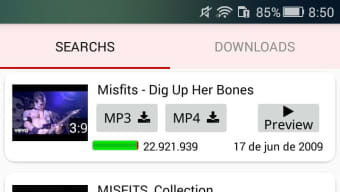
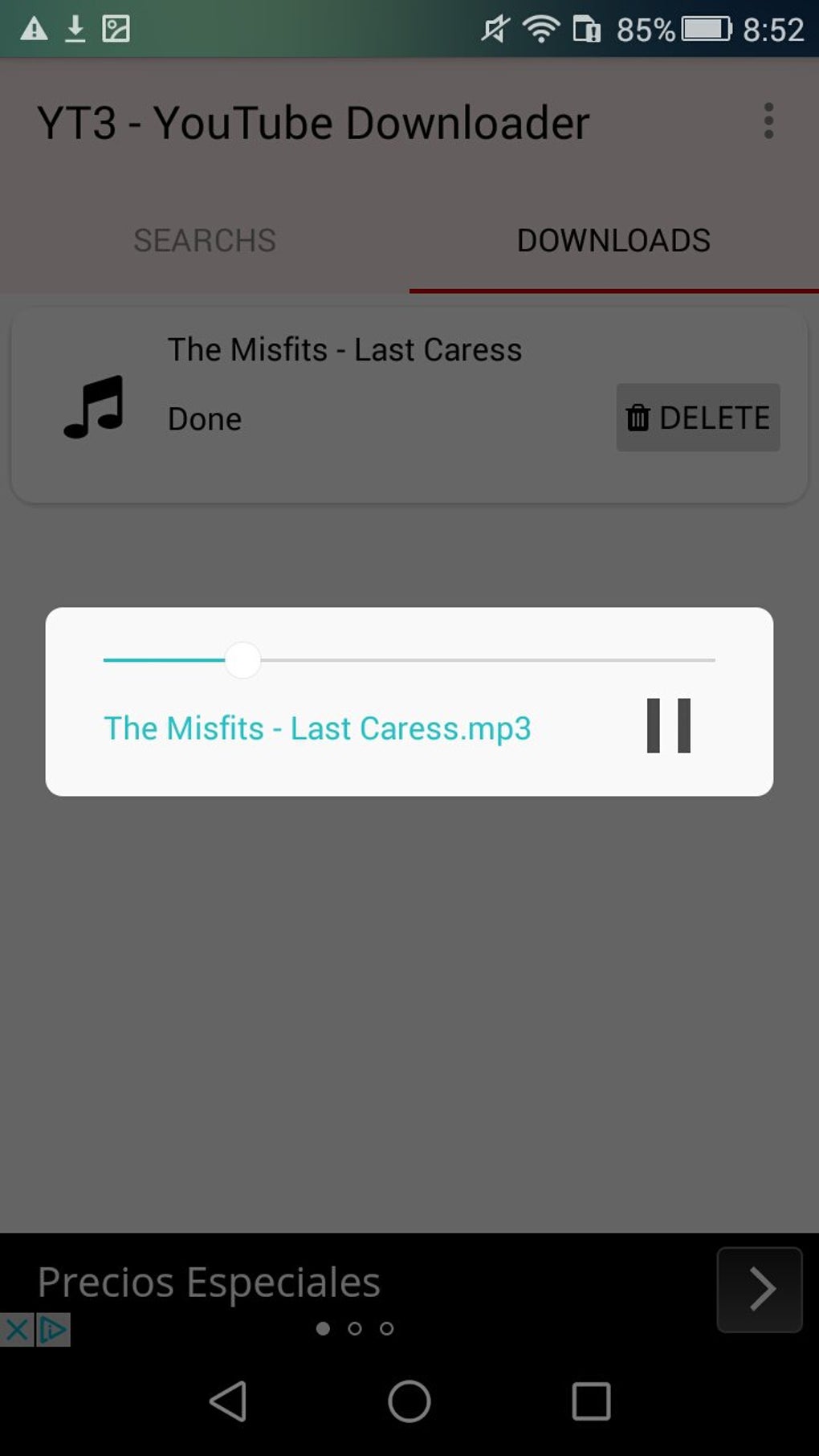
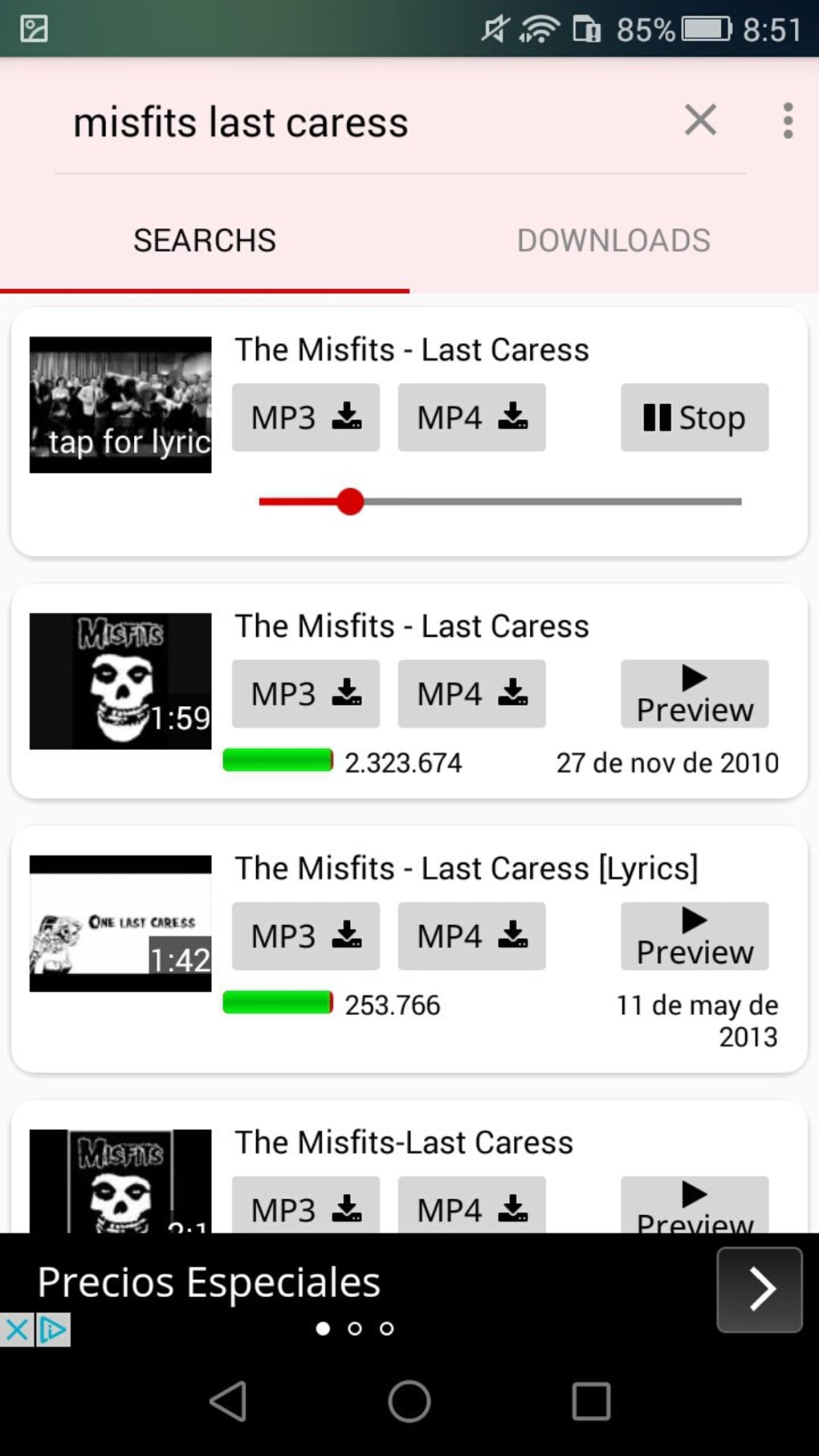
Real-world use cases include downloading music playlists for offline listening during commutes, saving tutorial videos for later review, or archiving content for personal reference. The app integrates a built-in search function, allowing users to locate videos without leaving the interface, enhancing workflow efficiency. The preview feature ensures users can confirm the correct video before initiating the download, reducing errors and wasted bandwidth.
Key Features & Capabilities
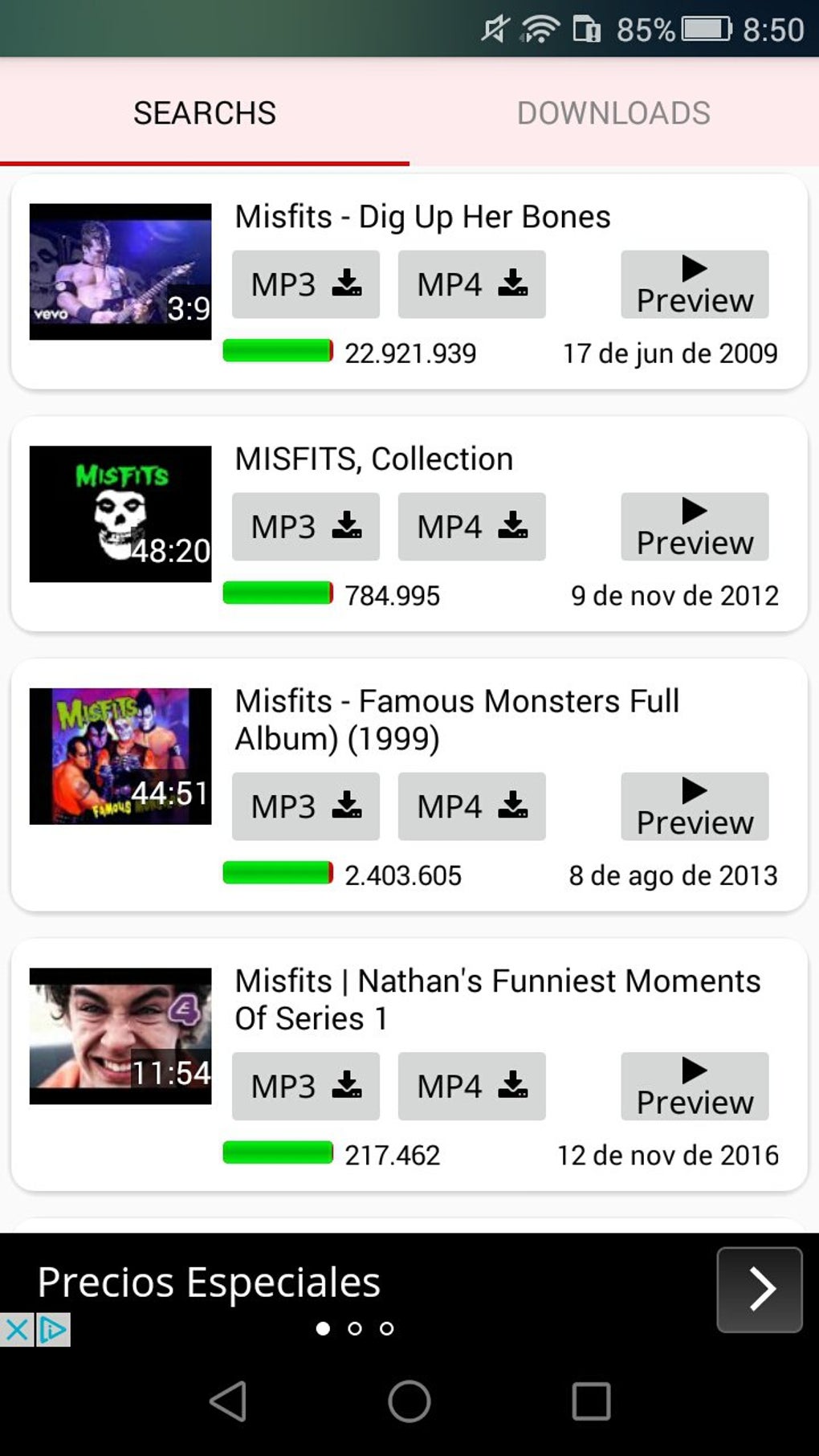
- YouTube Video Download Support – Users can download any public YouTube video directly to their device in either MP3 (audio-only) or MP4 (video) format, offering flexibility based on storage and usage needs.
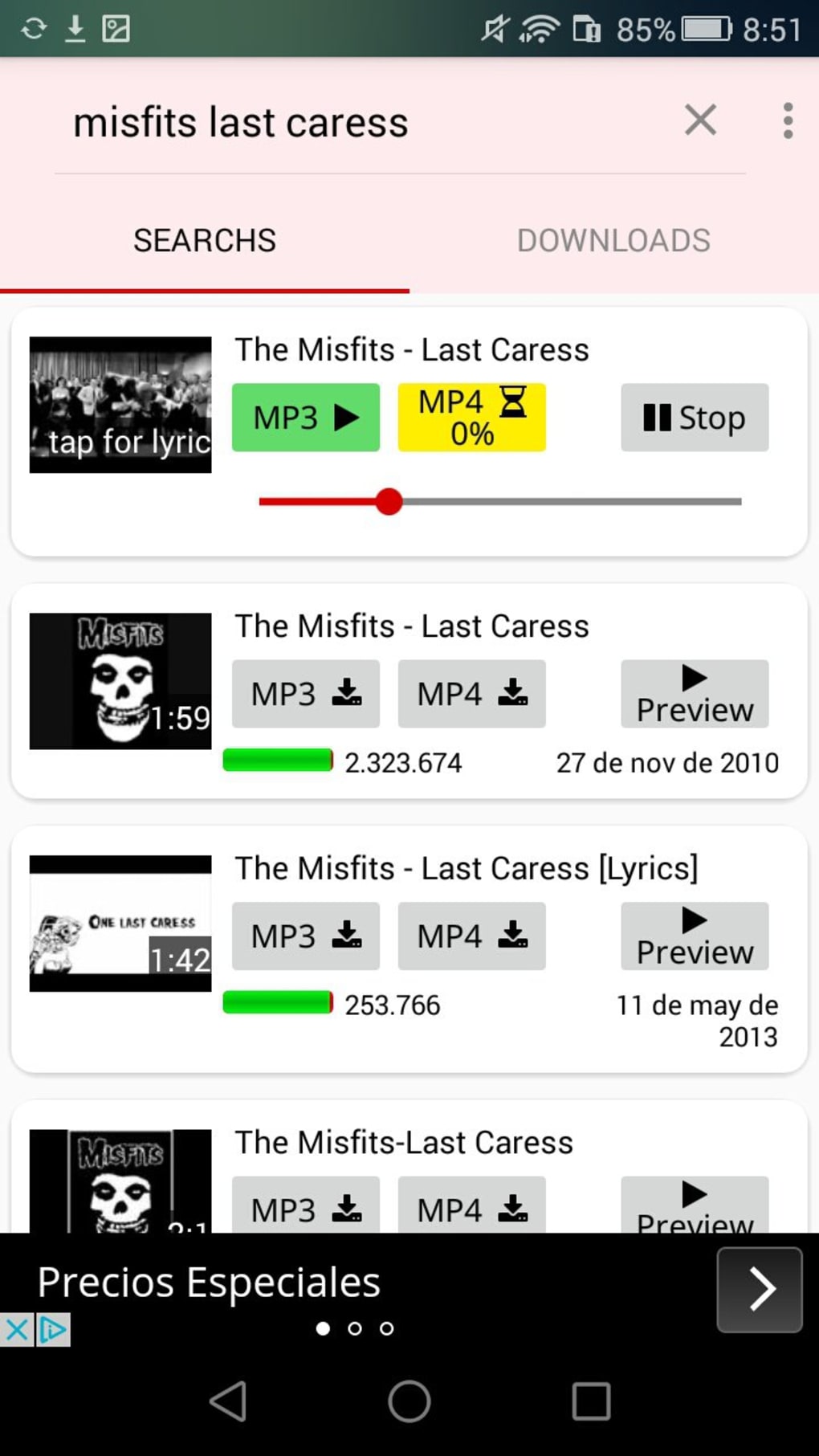
- Built-in Search Function – The app includes a search tool that allows users to find videos without switching to a browser, streamlining the discovery and download process.
- Preview Feature – Before downloading, users can preview the video to confirm the correct content, helping avoid downloading incorrect or unwanted material.
- One-Tap Download – The interface is optimized for simplicity, enabling users to initiate downloads with minimal interaction, ideal for non-technical users.
- Format Flexibility – Support for both audio (MP3) and video (MP4) output allows users to choose the most suitable format for their device and purpose.
These features collectively address common pain points in content downloading, such as fragmented workflows, incorrect downloads, and complex setup processes. For example, a student can search for a lecture video, preview it to ensure accuracy, and download it as MP4 for offline study. Similarly, a music enthusiast can extract a song in MP3 format and add it to their personal playlist for offline listening.
User Interface, Workflow & Performance
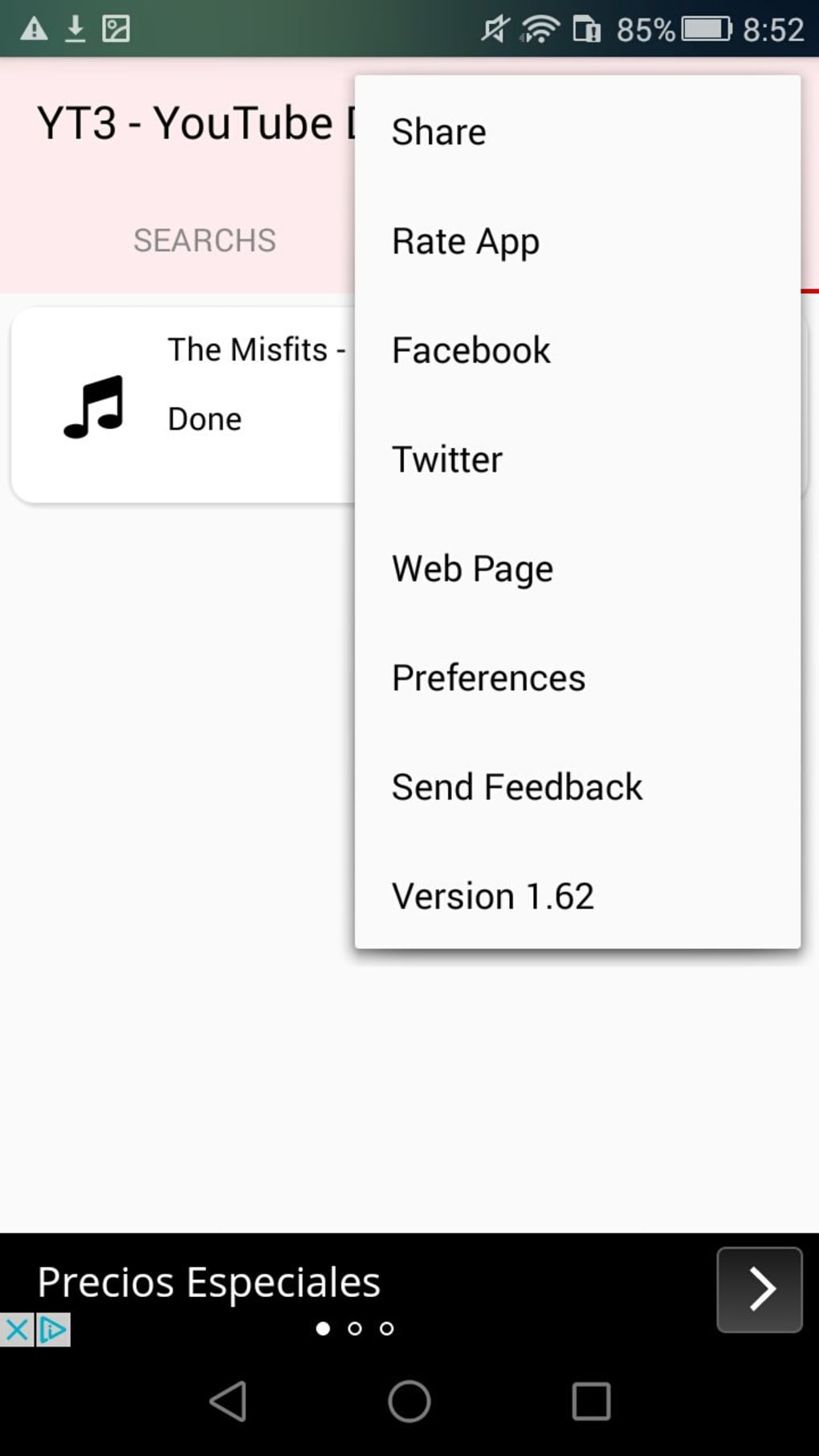
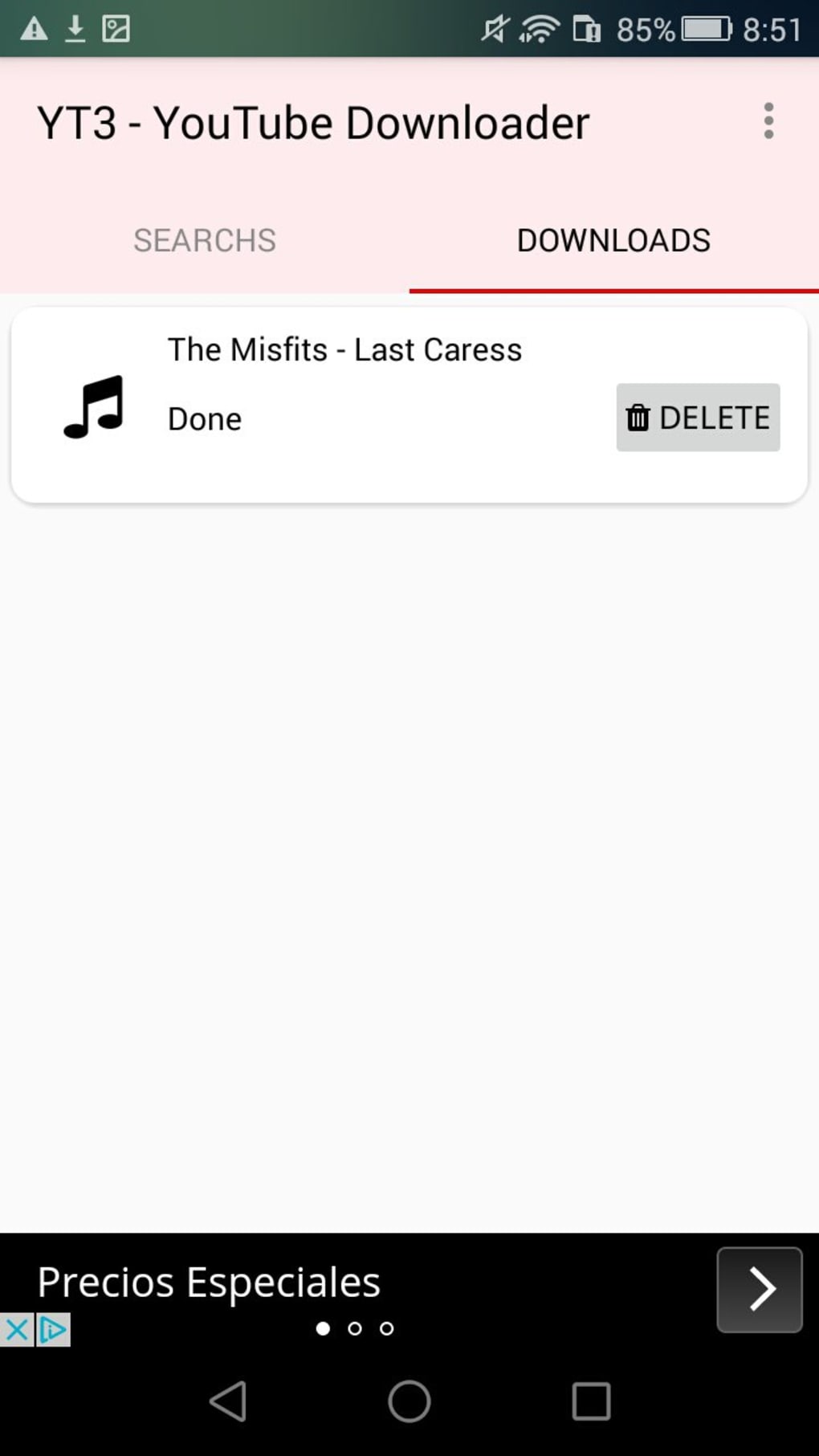
The user interface of YT3 Music Downloader is designed with simplicity and accessibility in mind. The layout emphasizes core functions—search, preview, and download—arranged in a clean, intuitive manner. Navigation is straightforward, with primary actions accessible through clearly labeled buttons and minimal menu layers.
Workflow efficiency is enhanced by the integration of search and preview tools within the same environment, eliminating the need to switch between applications. This reduces friction and improves user satisfaction, especially for users seeking rapid access to content.
Performance details were not specified by the developer. However, based on general behavior of similar download utilities, the app likely operates with moderate resource usage. The developer did not provide information on CPU or RAM consumption, nor did they detail stability under prolonged use. Users should be aware that performance may vary depending on device capabilities and network conditions.
Compatibility & System Requirements
YT3 Music Downloader is available for Android devices and is distributed as an APK file, allowing installation on a wide range of Android smartphones and tablets. The software version and exact file size were not specified in the provided information. Compatibility with specific Android versions or hardware configurations is not detailed.
The developer did not provide additional system requirements. Users should verify compatibility with their device before installation, especially when downloading from third-party sources. Installation size may vary depending on the version and included components, but no specific figures were provided.
Pros and Cons
Pros
- Simple one-tap download process
- Supports both MP3 and MP4 formats
- Built-in search function eliminates browser switching
- Preview feature helps confirm correct video selection
- Free to use with no in-app purchases
Cons
- Not available on official app stores (distributed via third-party sites)
- No official documentation or support channels provided
- Exact system requirements and performance metrics not disclosed
- Security and privacy practices not specified
- Updates may not be regularly released or verified
FAQ Section
Is YT3 Music Downloader safe to download and use?
The safety of the app depends on the source from which the APK is downloaded. Since it is distributed through third-party websites, users should exercise caution and scan the file with antivirus software before installation.
Can I download YouTube videos in MP3 format?
Yes, YT3 Music Downloader supports MP3 format for audio-only downloads, allowing users to extract music from YouTube videos.
Does the app work on iOS devices?
Based on available information, the app is only available for Android. There is no official version for iOS devices.
Is the software free to use?
Yes, the YT3 Music Downloader is free to download and use, with no in-app purchases or subscription fees.
How often are updates released?
The update frequency was not specified by the developer. Users should check the source website for the latest version and ensure they are using a secure, up-to-date APK.
Final Thoughts + CTA
YT3 Music Downloader offers a straightforward, no-frills solution for downloading YouTube content on Android devices. Its combination of built-in search, preview functionality, and support for both MP3 and MP4 formats makes it a practical tool for users who want quick access to offline media. While the lack of official app store presence and limited transparency around system requirements and security practices are notable drawbacks, the app remains functional and accessible for those who prioritize ease of use over enterprise-grade reliability.
For casual users, students, and music lovers seeking a simple way to save YouTube videos, YT3 Music Downloader provides a compelling option. Its free nature and minimal setup further enhance its appeal.
Download YT3 Music Downloader now
Guides & Tutorials for YT3 Music Downloader APK
How to install YT3 Music Downloader APK
- Click the Preview / Download button above.
- Once redirected, accept the terms and click Install.
- Wait for the YT3 Music Downloader APK download to finish on your device.
How to use YT3 Music Downloader APK
This software is primarily used for its core features described above. Open the app after installation to explore its capabilities.
User Reviews for YT3 Music Downloader APK 0
No reviews found





